显示标签为“IM608 Autel”的博文。显示所有博文

2022年3月10日星期四

How to add Jaguar F-Pace smart key 2016 with Autel IM608


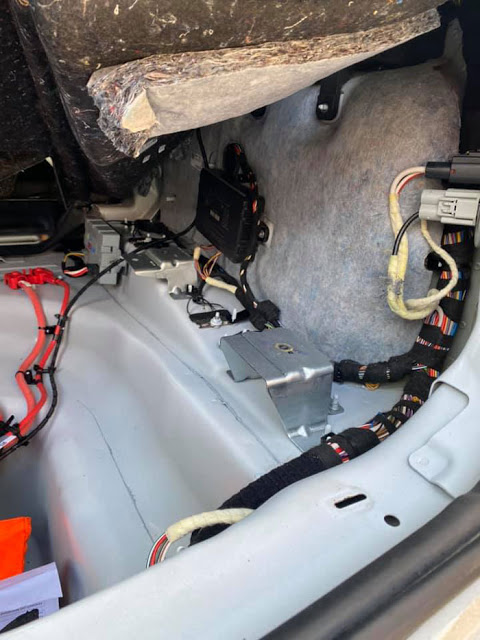
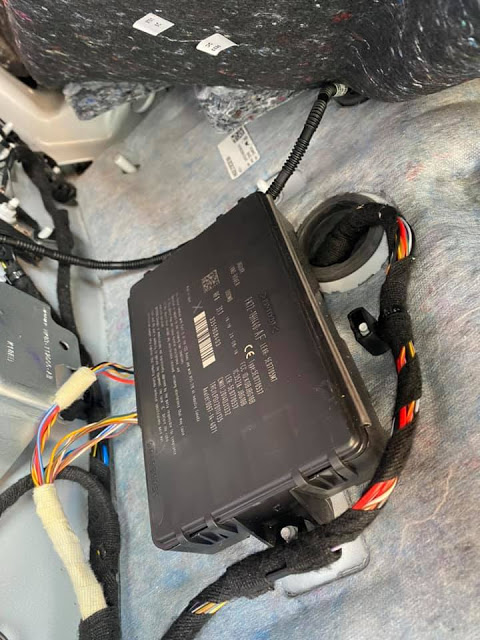
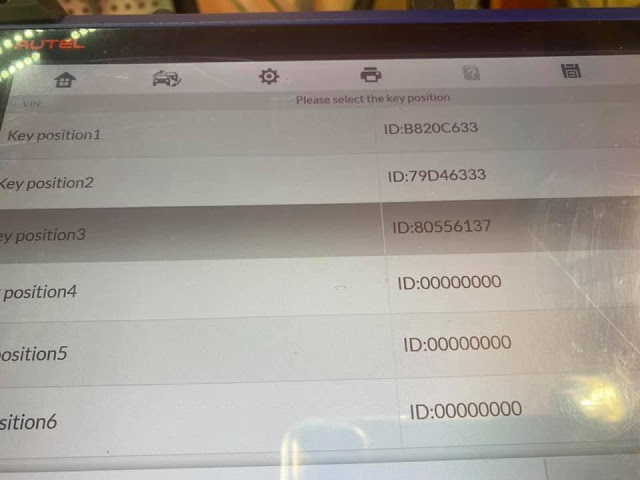
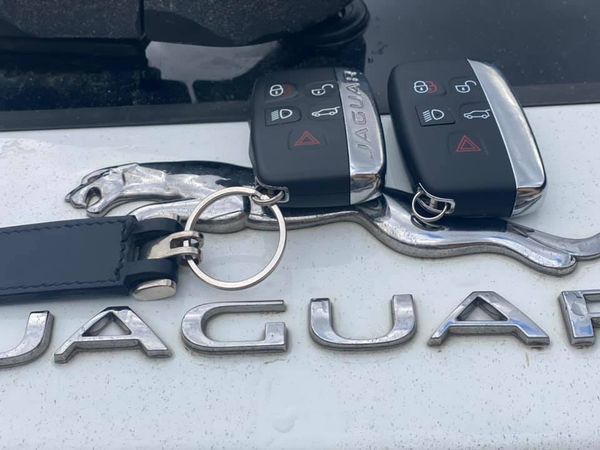
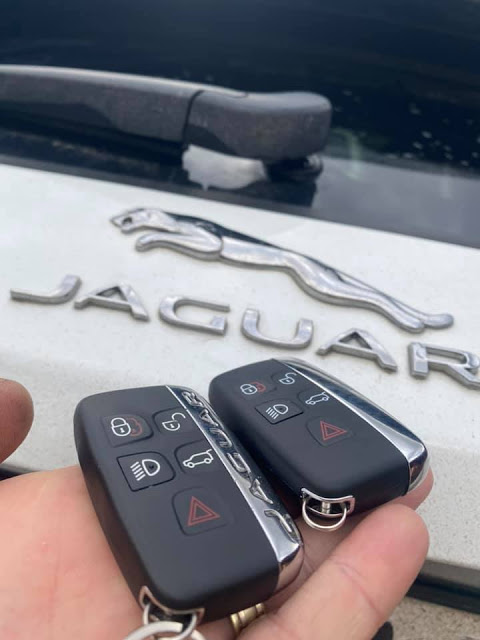
I added a smart key (5 buttons) to a 2016 Jaguar F-Pace with Autel MaxiIM IM608 today. It’s kvm out job. Safe and emotionless work.

Mask 1M12S MC9S12XEQ384.

The Auteltech lists only F-Pace from 2017 to 2018. I did a 2016 model no issue.

How to add Jaguar F-Pace smart key 2016 with Autel IM608-1 How to add Jaguar F-Pace smart key 2016 with Autel IM608-2 How to add Jaguar F-Pace smart key 2016 with Autel IM608-3

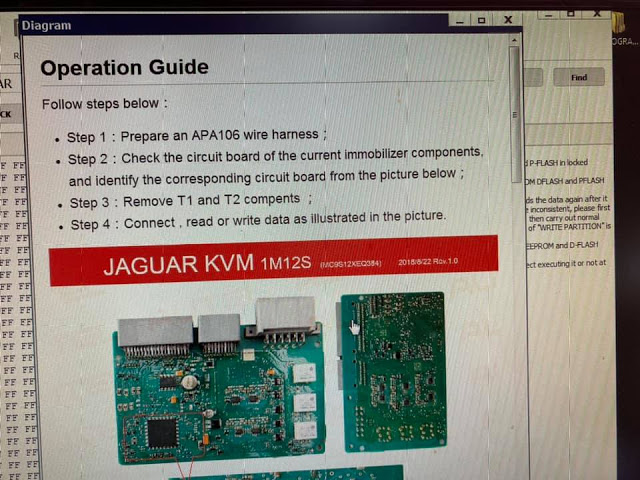
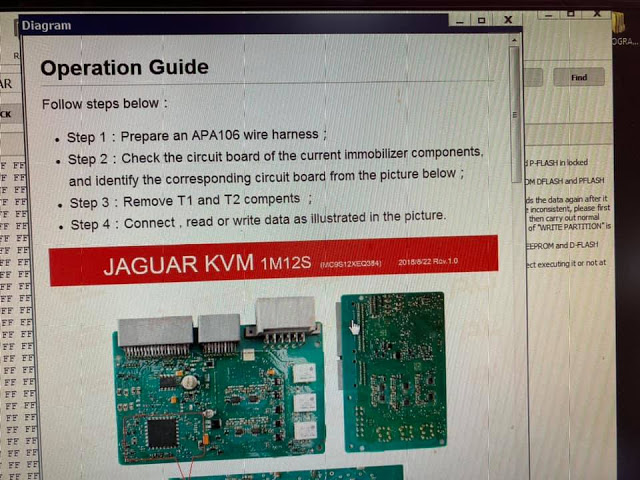
Remove KVM module and follow operation guide in IM608

How to add Jaguar F-Pace smart key 2016 with Autel IM608-4

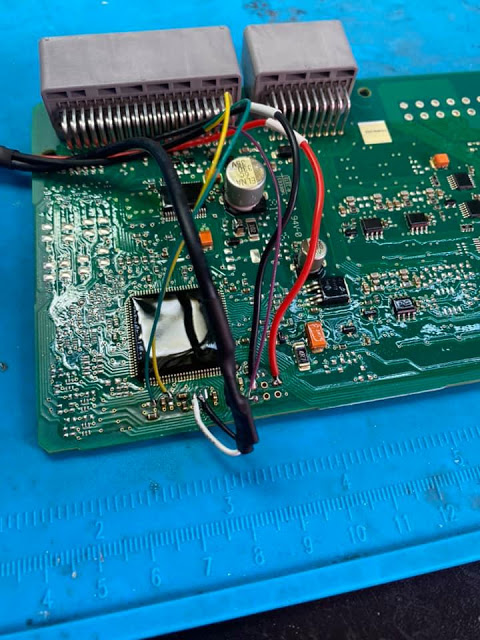
Prepare an APA106 wire harness.
Check the circuit board of the current immobilizer components and identify the corresponding circuit board from the picture below
Remove T1 and T2 components
Connect, read or write data as illustrated in the picture

How to add Jaguar F-Pace smart key 2016 with Autel IM608-5

Then follow autel im608 prompts to add a dealer key

How to add Jaguar F-Pace smart key 2016 with Autel IM608-6 How to add Jaguar F-Pace smart key 2016 with Autel IM608-7 How to add Jaguar F-Pace smart key 2016 with Autel IM608-8 How to add Jaguar F-Pace smart key 2016 with Autel IM608-9

2022年3月9日星期三

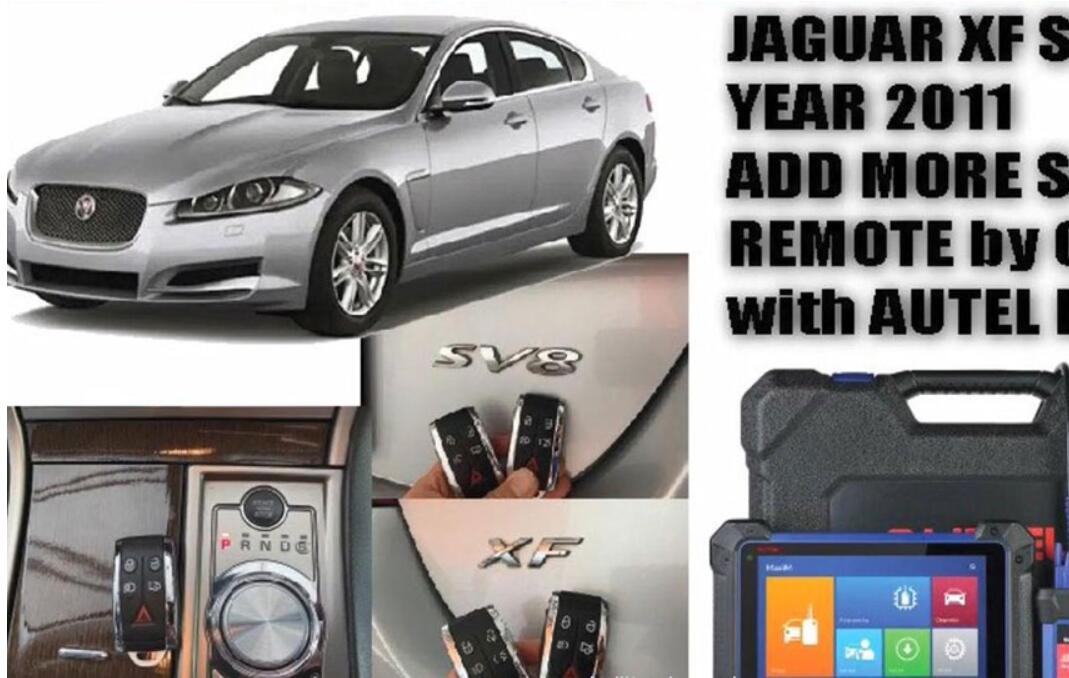
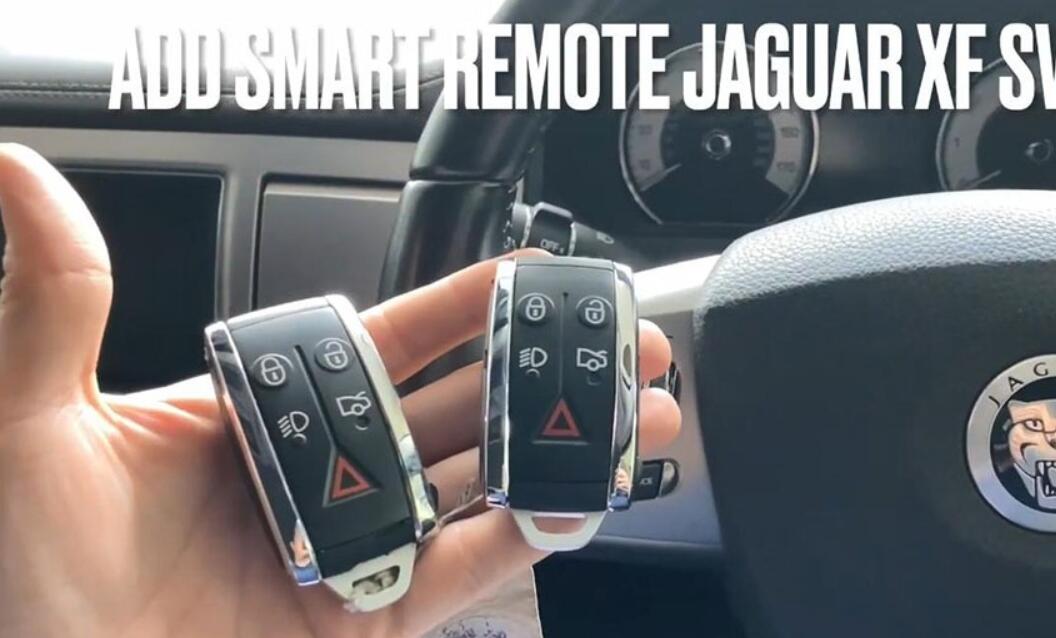
AUTEL IM608 JAGUAR XF SV8 2011 ADD SMART REMOTE BY OBD


Autel MaxiIM IM608 test report: add smart remote chip 46 433MHZ for Jaguar XF SV8 year 2011 via OBD.

AUTEL IM608 JAGUAR XF SV8 2011 ADD SMART REMOTE BY OBD-1

Let’s go to add smart remote Jaguar XF SV8 via Autel IM608:

AUTEL IM608 JAGUAR XF SV8 2011 ADD SMART REMOTE BY OBD-2

Turn ignition switch on.

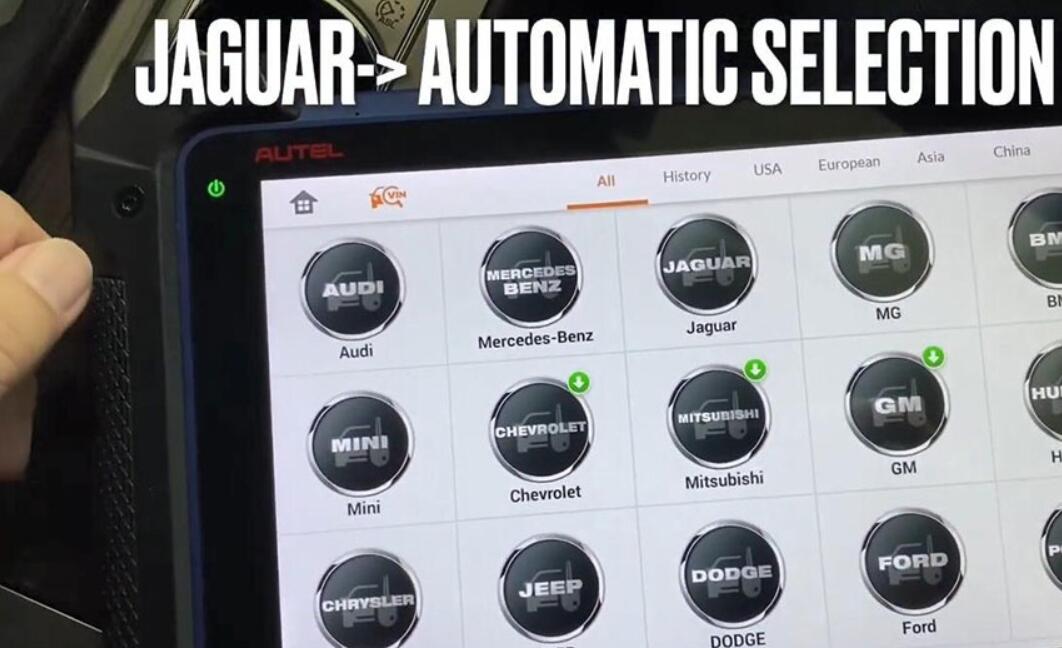
On Autel IM608 tablet, select “Jaguar” and then “Automatic selection”.

AUTEL IM608 JAGUAR XF SV8 2011 ADD SMART REMOTE BY OBD-3

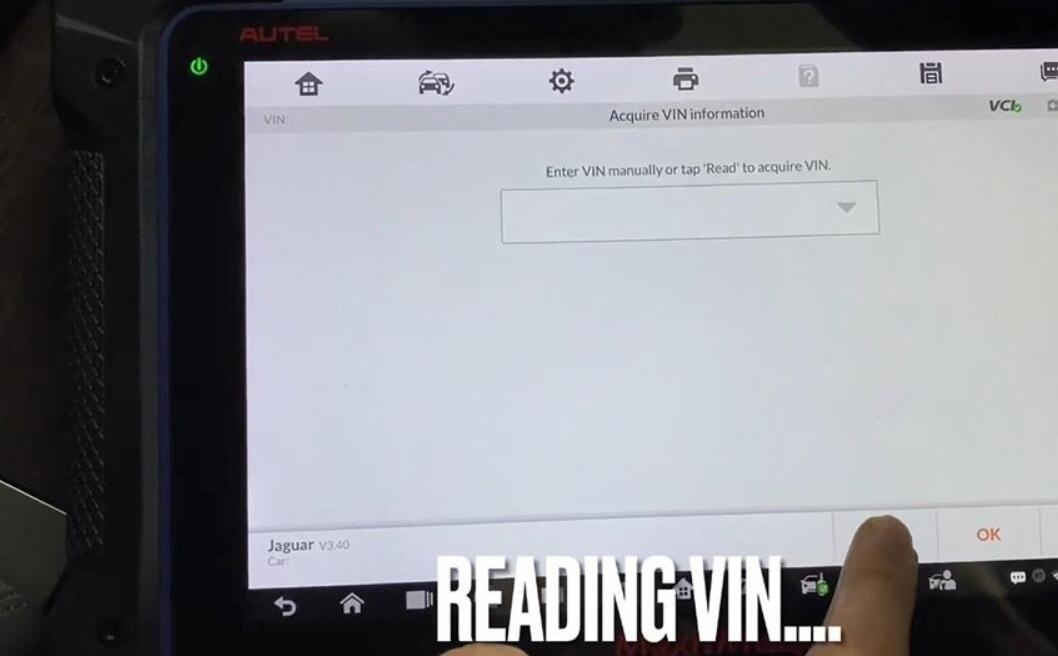
Reading VIN, after the VIN number is found, press [OK].

AUTEL IM608 JAGUAR XF SV8 2011 ADD SMART REMOTE BY OBD-4

Confirm vehicle information: Jaguar XF 2008-2011 smart remote.

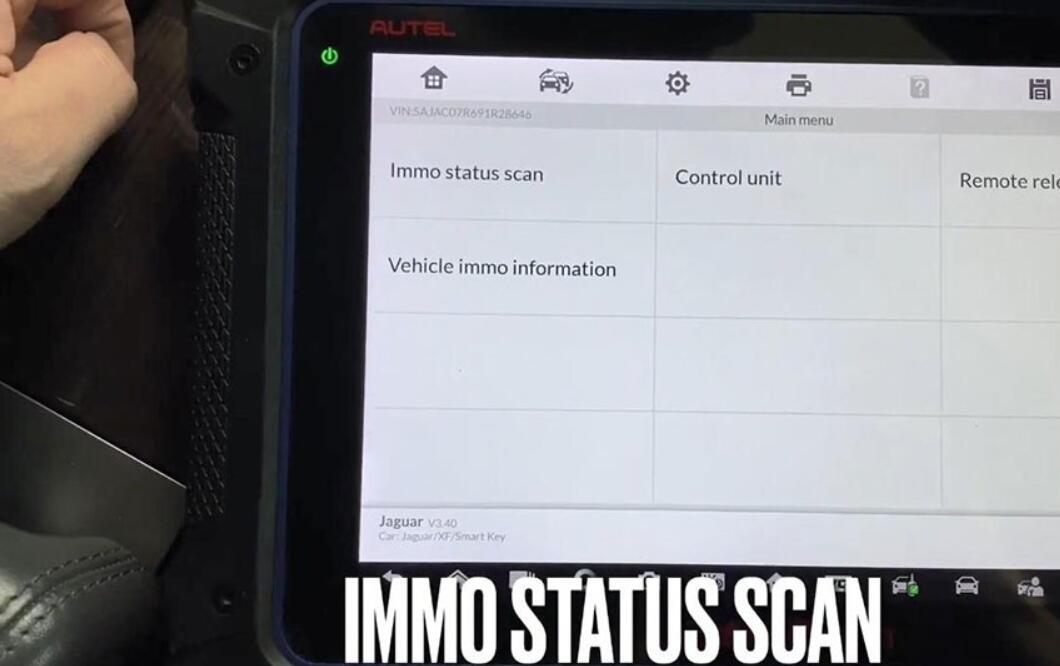
Select “Immo status scan”.

AUTEL IM608 JAGUAR XF SV8 2011 ADD SMART REMOTE BY OBD-5

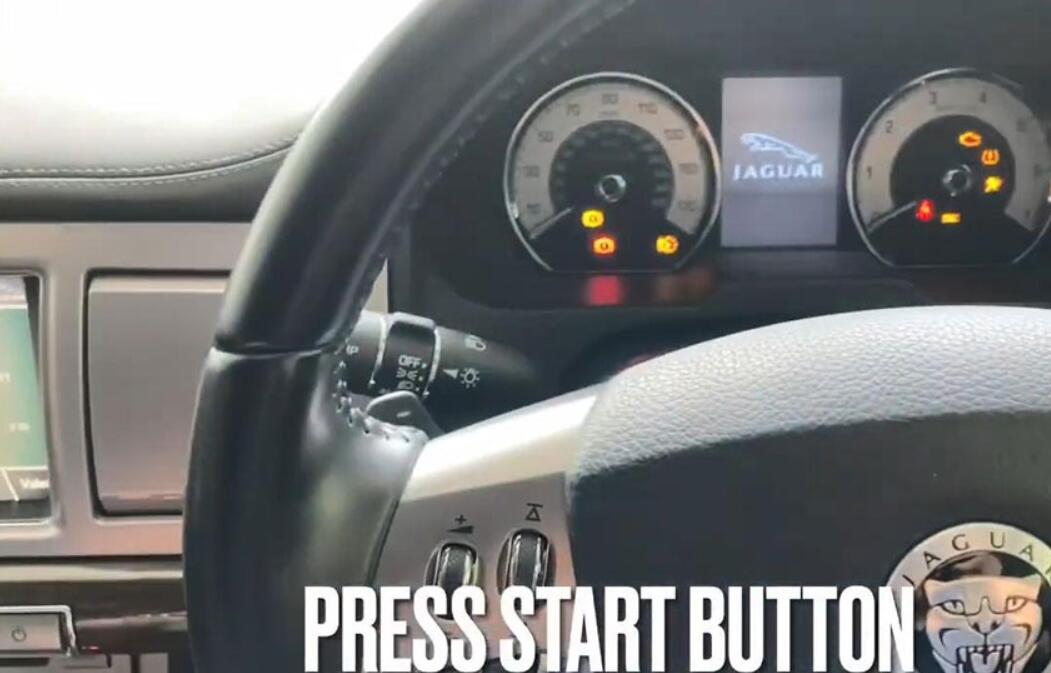
Press Start Button.

AUTEL IM608 JAGUAR XF SV8 2011 ADD SMART REMOTE BY OBD-6

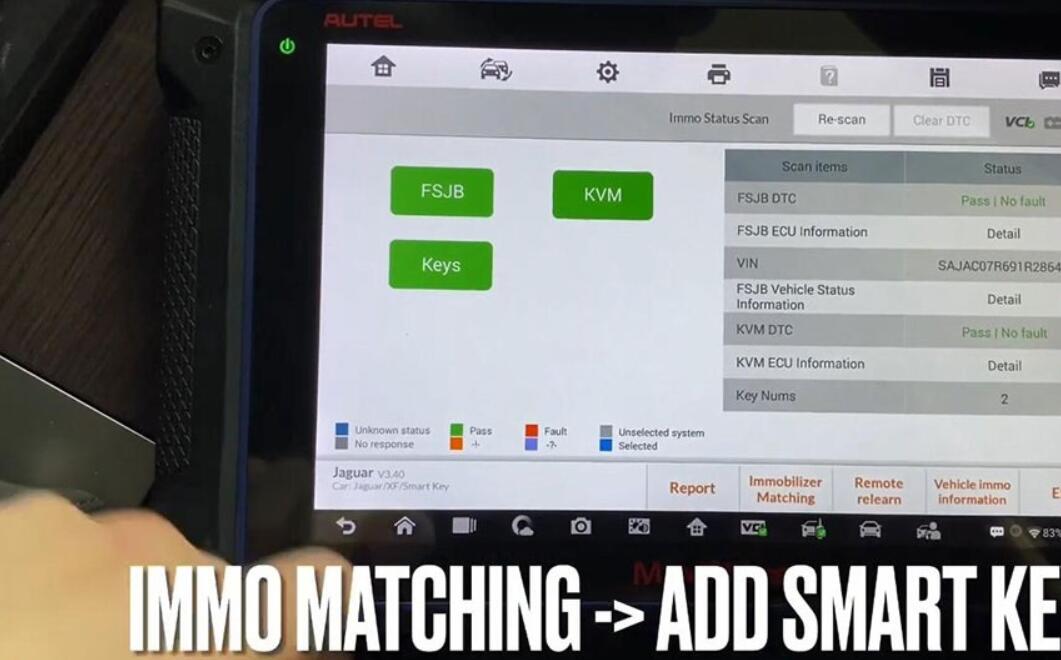
Immo status scan… and have key number:2

Next is to select “Immo matching -> Add smart key”.

Press Start button again.

AUTEL IM608 JAGUAR XF SV8 2011 ADD SMART REMOTE BY OBD-7

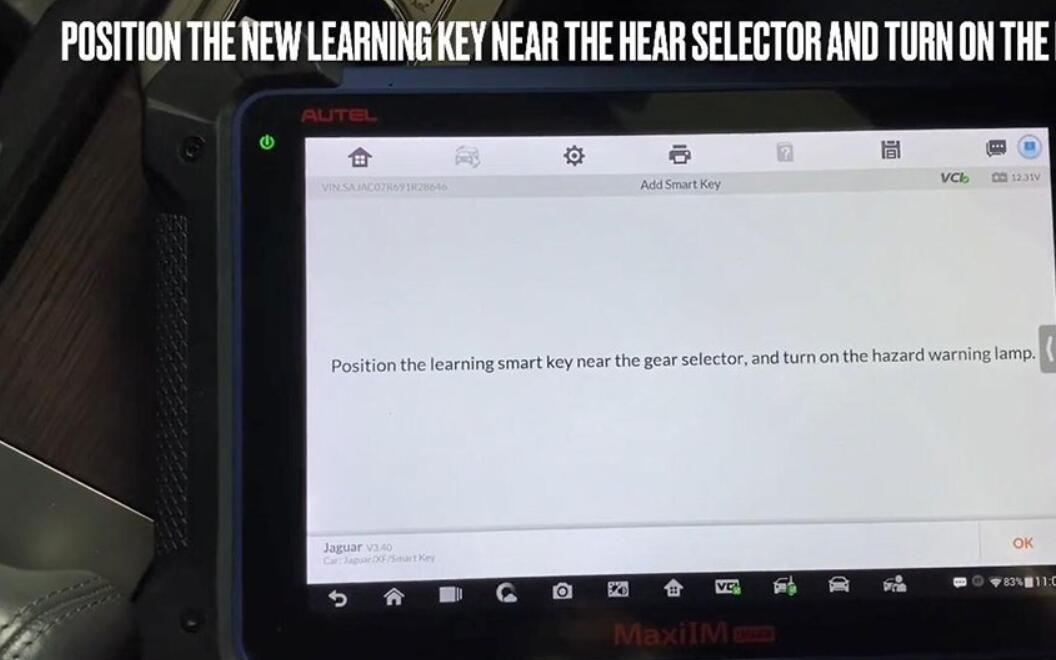
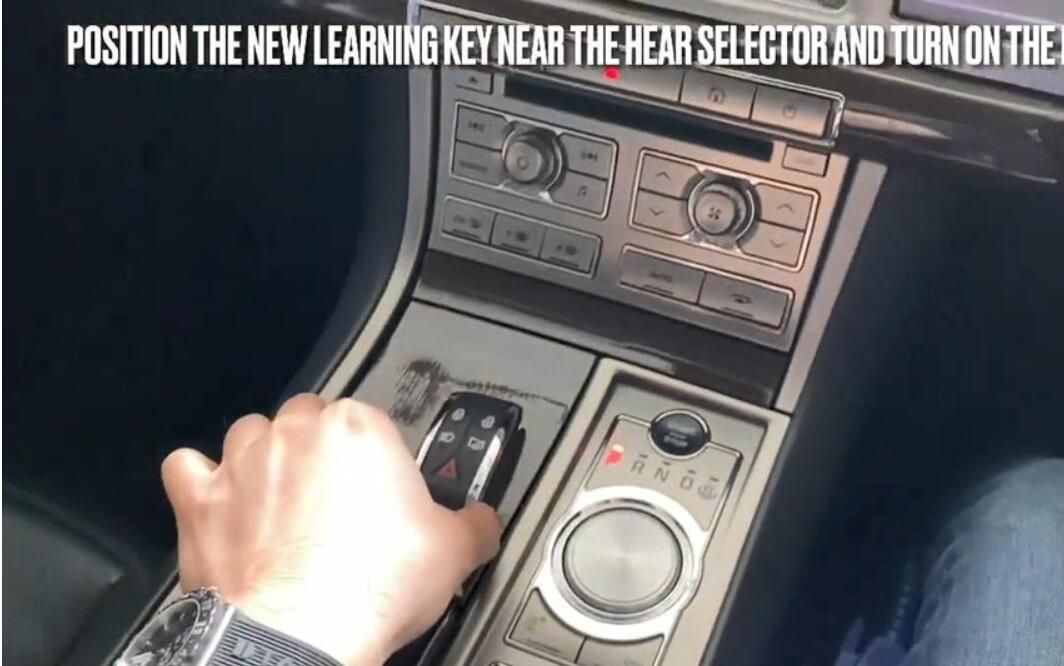
Position the learning smart key near the gear selector, and turn on the hazard warning lamp.

Turn ignition off.
AUTEL IM608 JAGUAR XF SV8 2011 ADD SMART REMOTE BY OBD-8 AUTEL IM608 JAGUAR XF SV8 2011 ADD SMART REMOTE BY OBD-9

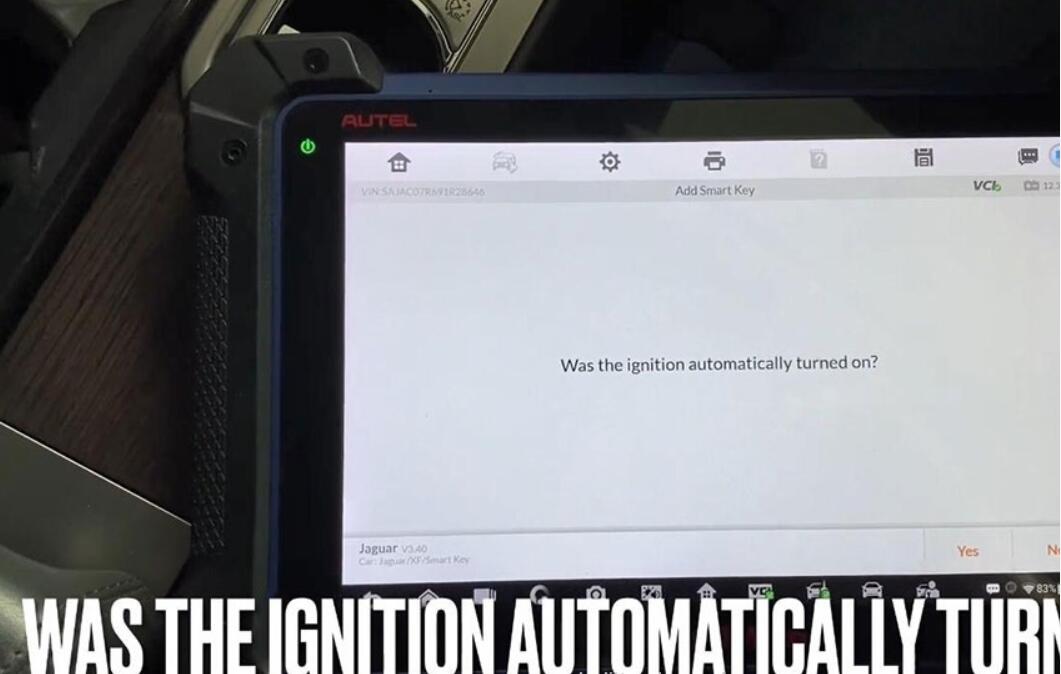
Was the ignition automatically turn on? click on “Yes”.

AUTEL IM608 JAGUAR XF SV8 2011 ADD SMART REMOTE BY OBD-10

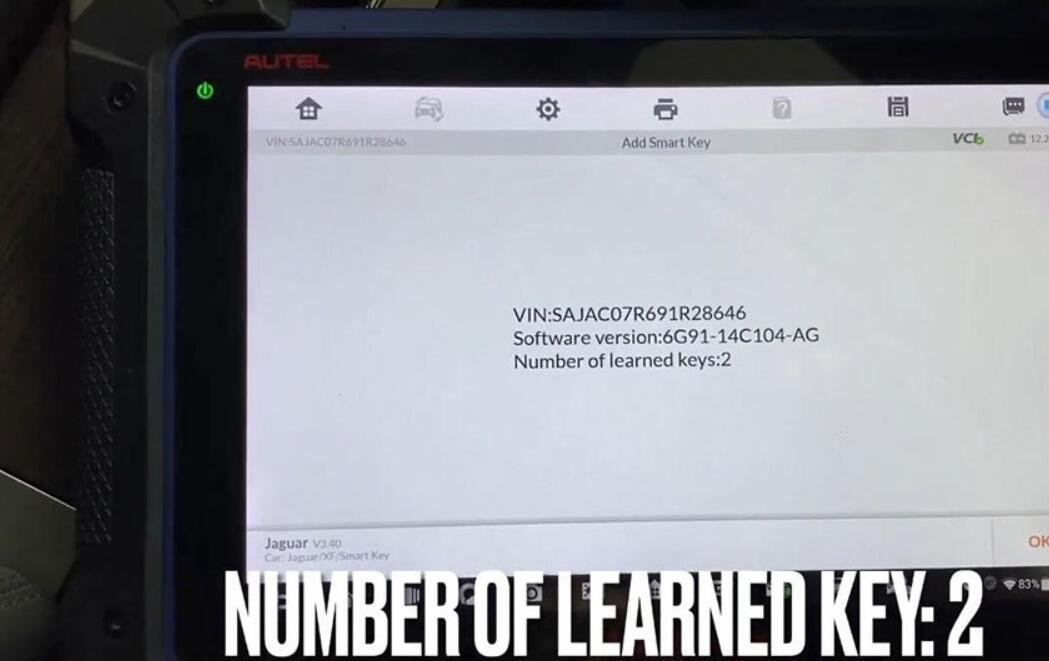
Number of learned key: 2, click on “OK”.

AUTEL IM608 JAGUAR XF SV8 2011 ADD SMART REMOTE BY OBD-11

Would you like to learn new smart keys? click on “Yes”.

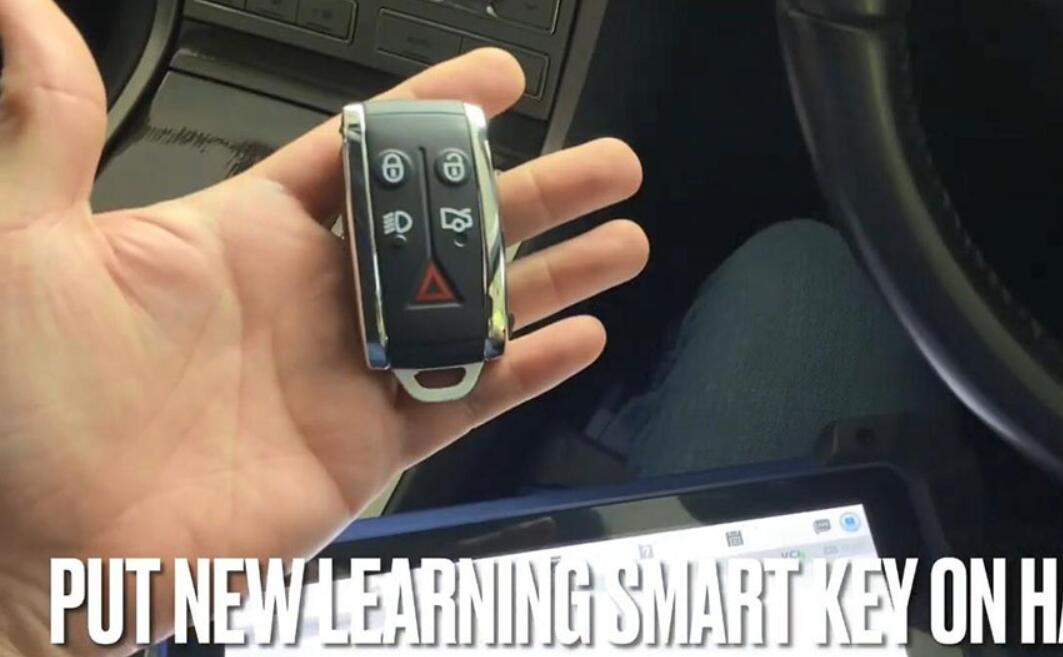
Put new learning smart key on hand.

AUTEL IM608 JAGUAR XF SV8 2011 ADD SMART REMOTE BY OBD-12

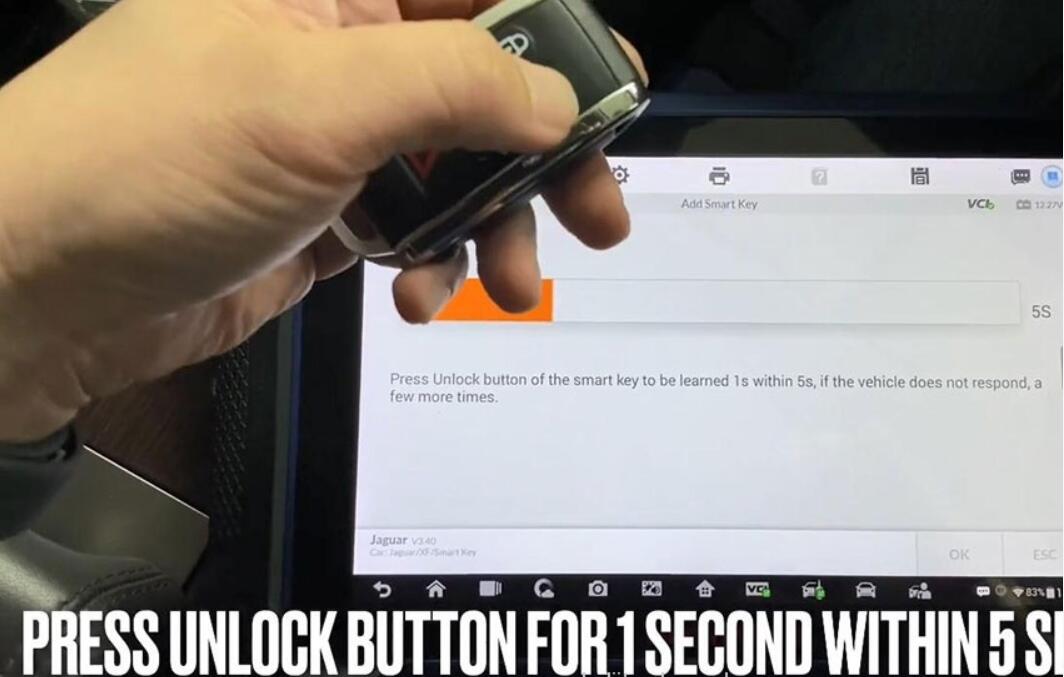
Press Unlock button of the smart key to be learned 1s with 5s, if the vehicle does not respond, a few more times.

Establishing vehicle communication…

AUTEL IM608 JAGUAR XF SV8 2011 ADD SMART REMOTE BY OBD-13

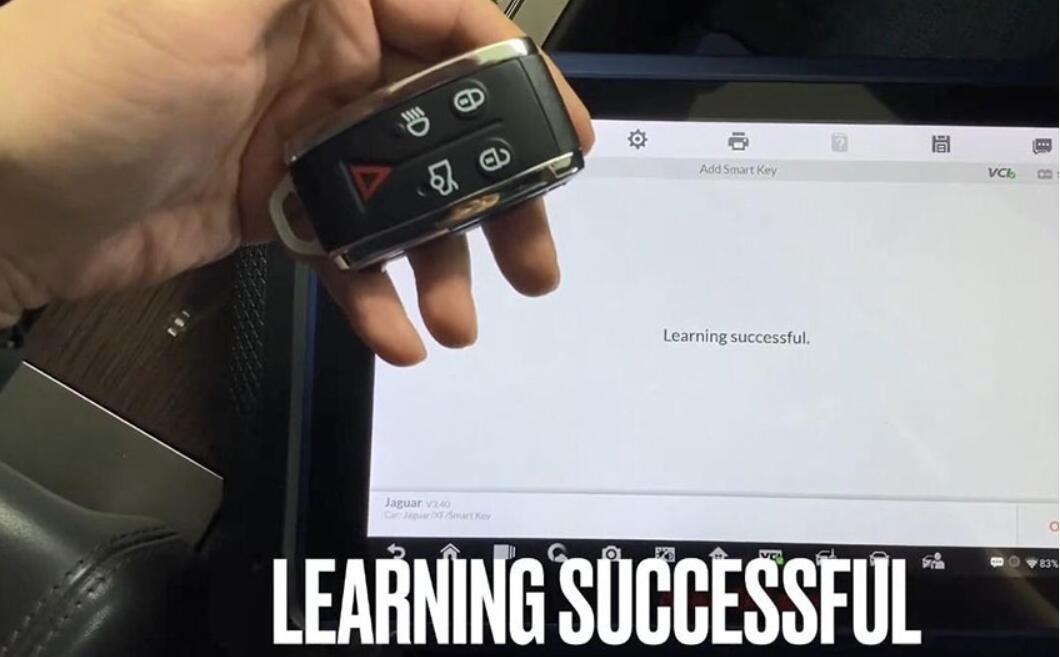
Learning successful, click on “Ok”.

AUTEL IM608 JAGUAR XF SV8 2011 ADD SMART REMOTE BY OBD-14
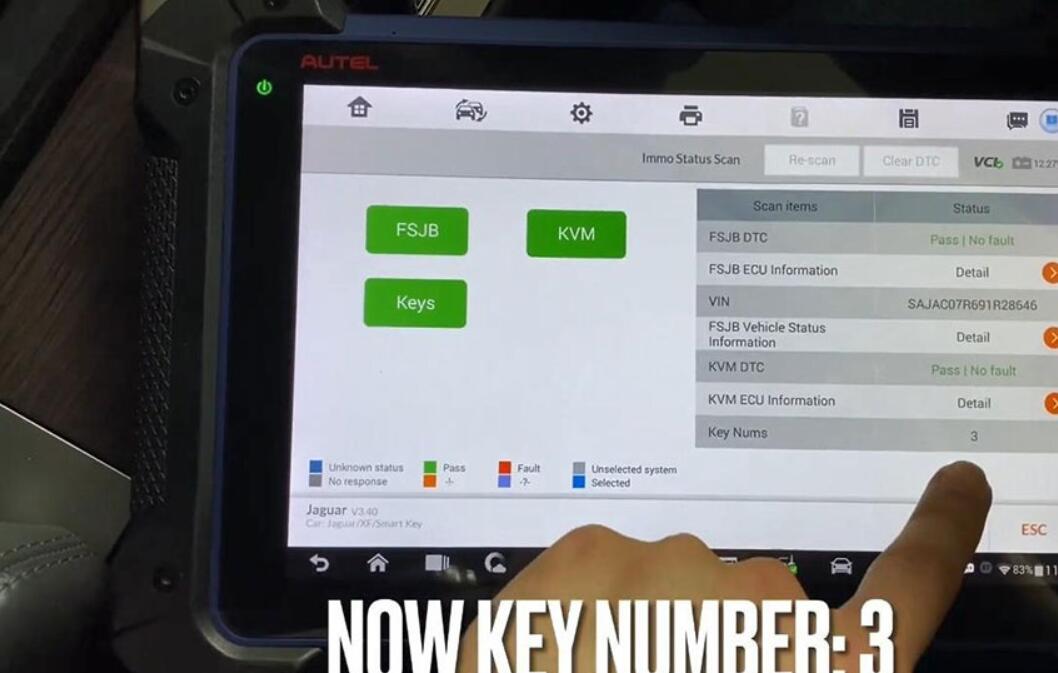
Try to IMMO status scan again.

Turn ignition on.

Alright, Key number is 3.

AUTEL IM608 JAGUAR XF SV8 2011 ADD SMART REMOTE BY OBD-15

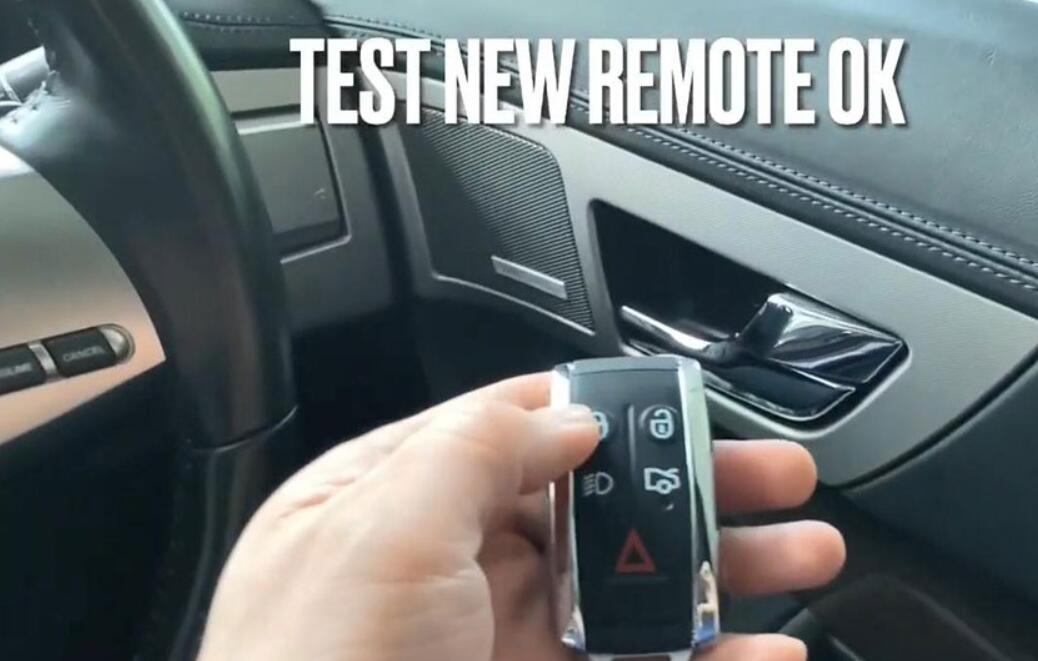
Okay, to test new remote OK.

AUTEL IM608 JAGUAR XF SV8 2011 ADD SMART REMOTE BY OBD-16

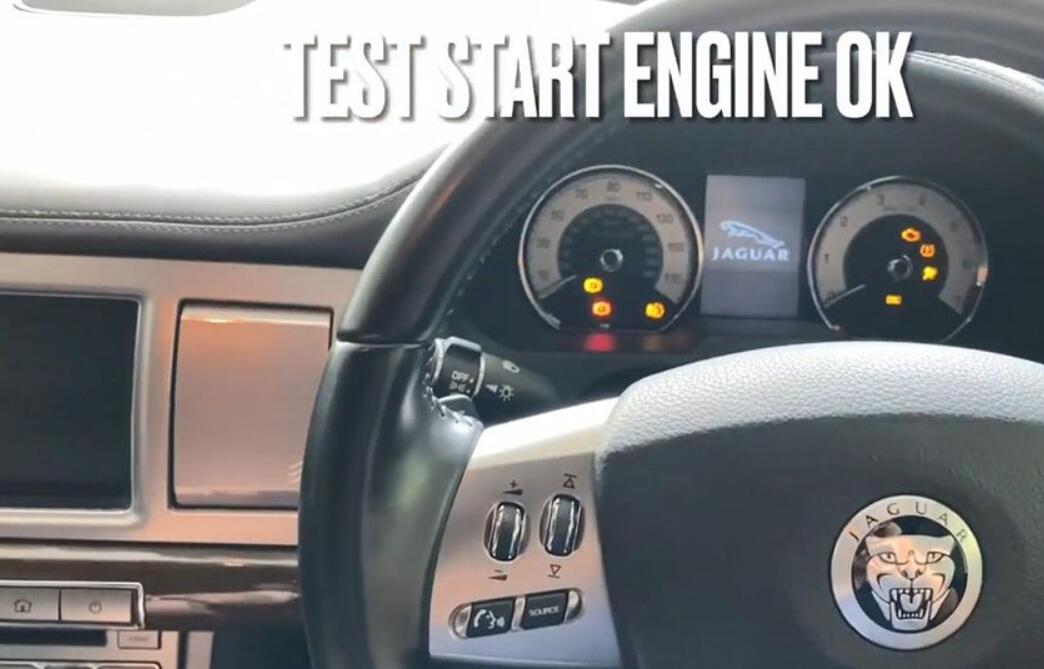
And test start engine ok.

AUTEL IM608 JAGUAR XF SV8 2011 ADD SMART REMOTE BY OBD-17

Job is done!

2022年3月6日星期日

How to Read Benz W207 EIS Data by Autel IM508 with XP400 Pro


Autel MaxiIM IM508 with XP400 Pro supports the same advanced functions as Autel IM608 and IM608 Pro incl. Mercedes infrared key read/write, remote frequency detection, add 3rd gen Benz IMMO key, lost all keys via OBD, 2015-2019 Jaguar Land Rover Write key via dump and Volvo Smart Key/Fobik Smart Key learning. This post shares the guide to read Benz EIS W207 data via OBD.

Autel MaxiIM IM508 with XP400 Pro supports the same advanced functions as Autel IM608 and IM608 Pro incl. Mercedes infrared key read/write, remote frequency detection, Benz 3rd generation IMMO add key, all keys lost via OBD, 2015-2019 Jaguar Land Rover write key via dump and Volvo Smart key/Fobik smart key learning. This post will share the guide to use to read Benz EIS W207 data via OBD.

All devices required:
Autel MaxiIM IM508 with XP400 Pro Key and Chip Programmer
Mercedes- Benz EIS/ELV
Instrument
Gateway
Note: All Benz control modules above have been disassembled from the car.

How to Read Benz W207 EIS Data by Autel IM508 with XP400 Pro -1

Connection:
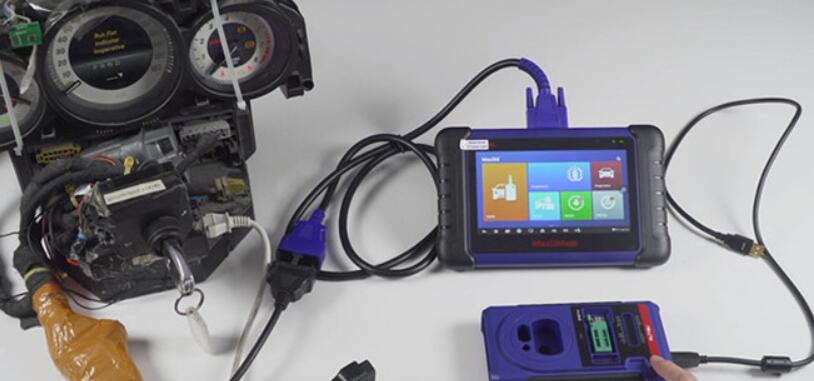
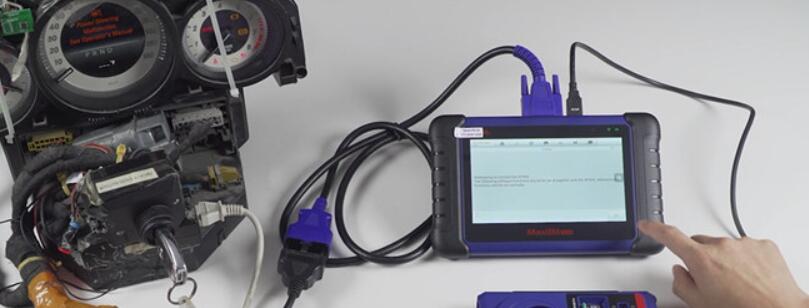
Connect MaxiIM IM508 to the dashboard via OBDII main cable
Connect XP400 Pro with IM508 via the programmer USB cable (Its color is black)
Note: Don’t connect XP400 Pro programmer to the vehicle OBD connector via OBDII cable.

How to Read Benz W207 EIS Data by Autel IM508 with XP400 Pro -2

Operation:
Enter “IMMO” function of the IM508 tablet-> Select “Mercedes Benz”
Make sure the xp400 pro has been connected to IM508 properly
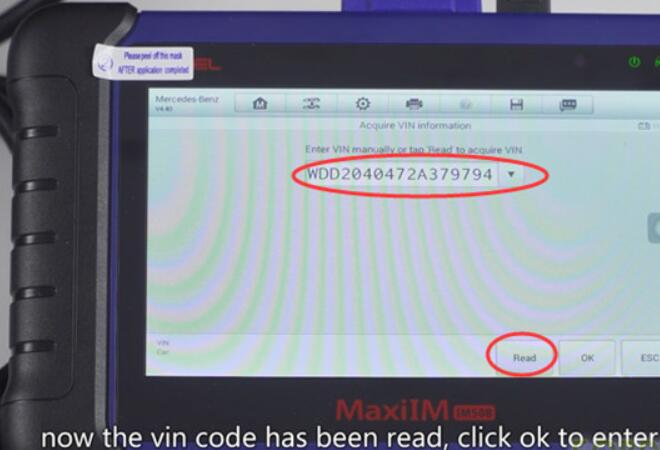
Select “Automatic selection”-> tap “Read” to read out VIN automatically (No need to enter VIN manually)

How to Read Benz W207 EIS Data by Autel IM508 with XP400 Pro -3

Read out the vehicle info and confirm if it is correct

How to Read Benz W207 EIS Data by Autel IM508 with XP400 Pro -4

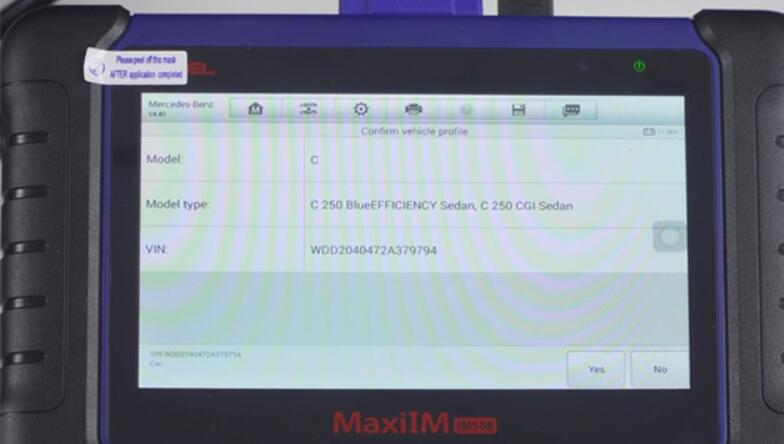
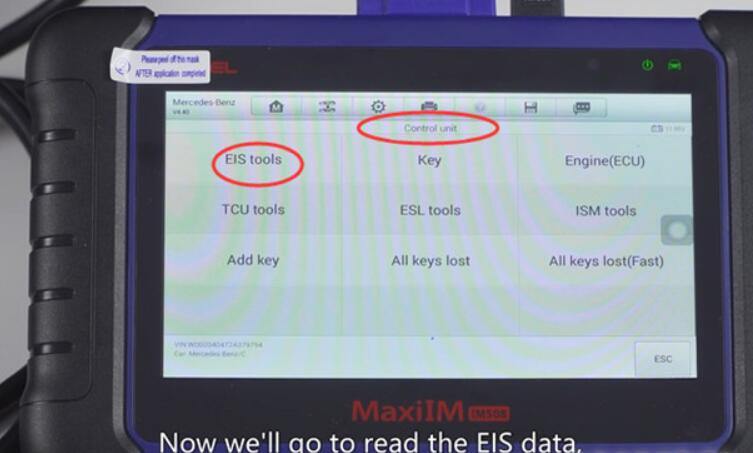
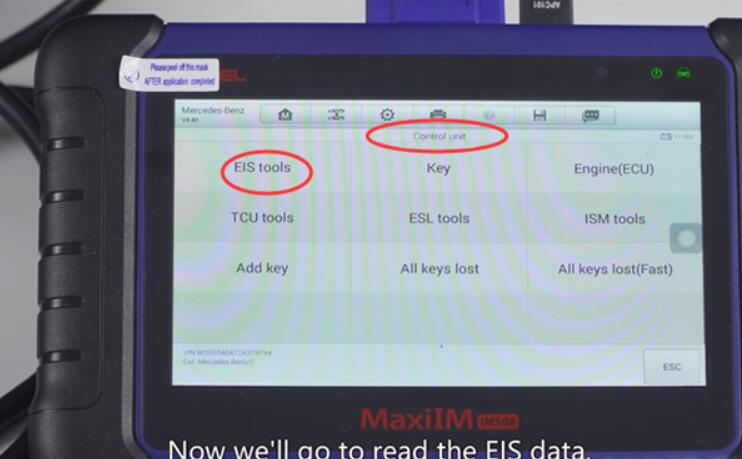
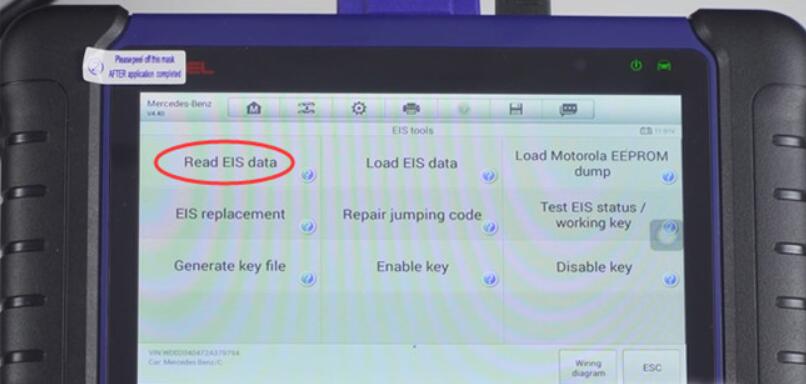
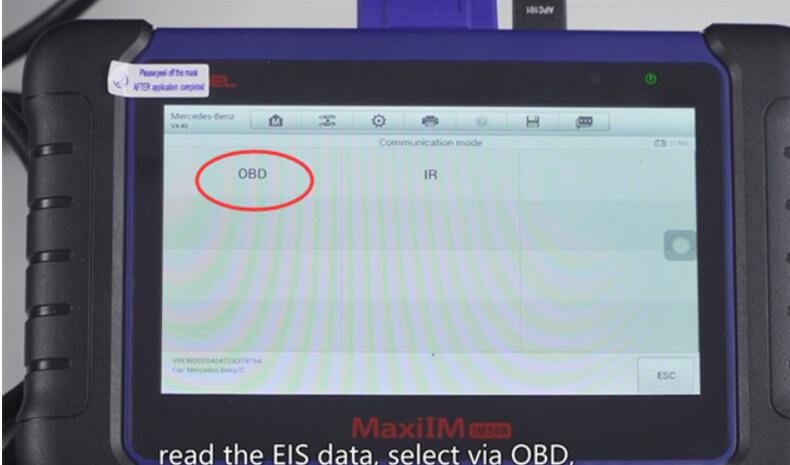
Select “2008-2014”-> “Control unit”-> “EIS tools”-> “Read EIS data”-> “OBD”-> “On vehicle”-> “Auto scan”

How to Read Benz W207 EIS Data by Autel IM508 with XP400 Pro -5 How to Read Benz W207 EIS Data by Autel IM508 with XP400 Pro -6 How to Read Benz W207 EIS Data by Autel IM508 with XP400 Pro -7 How to Read Benz W207 EIS Data by Autel IM508 with XP400 Pro -8

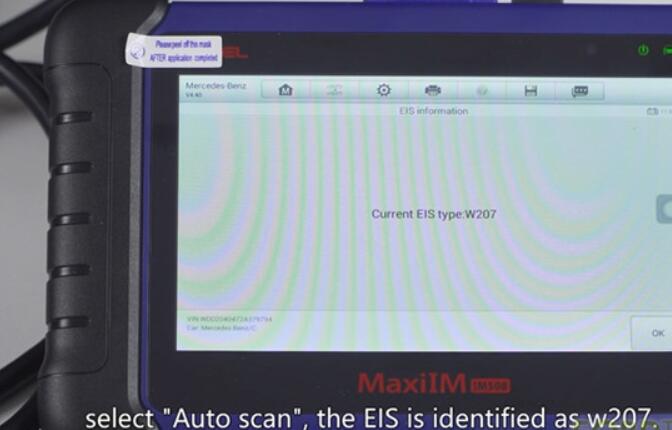
Identify the EIS type is W207

How to Read Benz W207 EIS Data by Autel IM508 with XP400 Pro -9

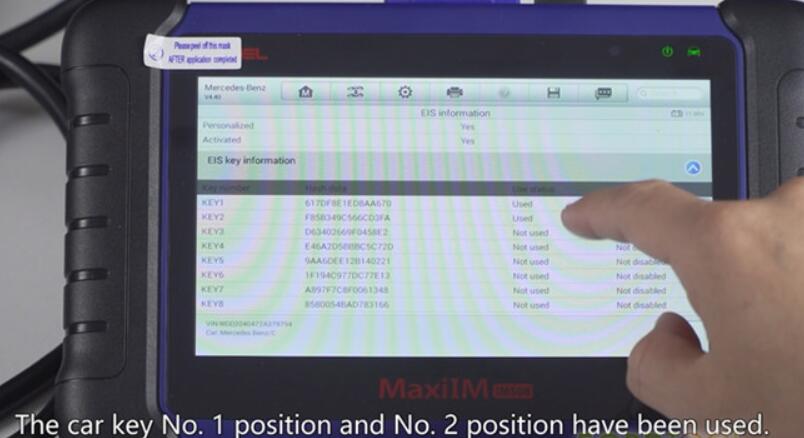
Read out the EIS info and the car key No.1 and No.2 position have been used
How to Read Benz W207 EIS Data by Autel IM508 with XP400 Pro -10

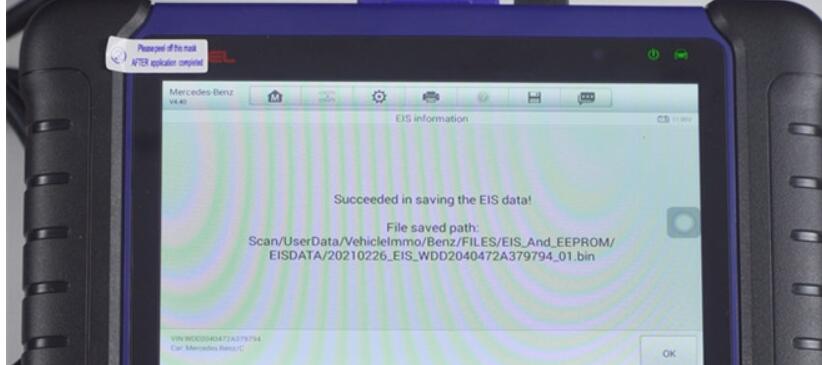
Save the EIS data, then you can upload the data to the server to calculate the password and program key.

How to Read Benz W207 EIS Data by Autel IM508 with XP400 Pro -11

Done!

2020年3月16日星期一

User Manual for Autel XP400 Adapter Used with Autel IM608 to read/write transponder

The XP400 key & chip programmer is specially designed to read transponder data (including Mercedes Benz infrared smart key), clone and generate exclusive keys, read/write on-board EEPROM data, and read/write Freescale 9S12 MCUs. By working with Autel MaxiIM IM608 diagnostic tool and PC that are both loaded with programmer software, the XP400 can read/write transponder data quickly and accurately.
Item Description
Operating Temperature -10℃ ~ 60℃ (14℉ ~ 140℉)
Storage Temperature -20℃ ~ 60℃ (-4℉ ~ 140℉)
Port Mini USB, VGA_DB15
Input Voltage 5 VDC
Operating Current < 250 mA
Maximum Consumption 1 W
Device Dimensions (L*W*H) 130 mm * 68 mm * 28 mm
Package Dimensions (L*W*H) 201 mm * 167 mm * 75 mm
Net Weight 466 g

What is the port & slot on XP400 used for?
1.DC Port – provides 12V DC power
DC Port is used to provide 12 V power supply for the XP400.

2.USB Port – provides data communication and 5V DC power
The Type B USB port provides data communication and power supply for handheld device, PC and XP400.

3.DB 26-Pin Port – connects with the Mercedes Benz infrared cable, vehicle key cable, ECU cable, MCU cable, MC9S12
Five components can be connected to this port:
Mercedes Infrared Cable
APA102 – Remote Match Cable (optional)
APA104 – ECU Cable
APA105– MCU Cable
APA106 – MC9S12 Cable

2020年2月26日星期三

Autel MaxiIM IM608 Real Customer Test Feedback

This is a the real user review of the Autel MaxiIM IM608, a fantastic diagnostic and programming system for universal vehicles. Credit to all contributors.

Review by Miriam Flores
I run a repair shop and have used all kinds of tools during my 20 years of career as a mechanic. Autel has lots of great tools, this IM608 professional key programmer is another excellent tool! When it comes to key programming, IM608 has much wider coverage than MK908 I already had. Had already used it in the past few days to solve adding keys, adding remote controls, all key lost problems on Toyota, Nissan and counting… Great product!
Excellent Professional Car Key Programmer!


Review by Donna Armstrong
I have had a lot of different scanners over the years and this is the best and fastest so far.Compared with other competitors, this IM608 is much more the one I needed.It comes with MaxiFlash ECU programmer for complete Immo coverage.

Review by Ferkingstad:
Great scanner and easy to use.This was well worth the investment. The price was great.I highly recommend this IM608,It is equipped with XP400 key programmer and MaxiFlash ECU programmer to provide coverage of IMMO and programming functions.

Review by OmniVersatile: 
I own the Im608. I purchased it because I wanted to do more key programming. My first vehicle I used it on, was a 2015 Fiat 500 NEC MCU in BCM. I could not find PIN in NEC, I was able to read with VVDI prog. So I purchased the Autel IM608, it was able to read pin no problem. Went to precode the transponder (Dealer key would have worked no problem but I was using aftermarket) and the IM608 would not get the needed information from IMMO (said Failed, Locked BCM, had to disconnect battery to regain communication)
So I called Autel support (China) I tried Autel USA but they didn’t seem too knowledgeable. Autel support china within minutes could see the error on their server, they sent me Beta software for IMMO_FIAT to attempt and solve the problem. It worked perfectly.
All other vehicles I have tried have gone well, I was curious about Incode/outcode in newer fords. It programmed a key on 2018 Ford transit no problem, didn’t ask for any pins or incode/outcode.
I only purchased the Autel because I have their Maxisys Elite and ADAS frame and I am very happy with their tools. I have never used a Lonsdor or OBDStar so I cannot comment on their performance.
One big bonus to the IM608 is you also get SCN Coding, VW online coding ect. I use the xp400 to clone modules all the time, VVDI prog used to be my “go to” but now Xp400 is.
Is it a rookie tool? Nope, if you’re a rookie you’ll probably be frustrated. But if you have basic EEPROM and MCU skills / Locksmith skills id highly recommend it.